Tab 1 · Acapella cleaner

clean.

Drop in an acapella. clean. measures what's wrong with it (noise, hum, clipping, a cut-off top end, harsh S's), then one press cleans, restores, rebalances and masters it. Compare with the original at the same loudness.v1.25.0 · Windows 10/11 64-bit · no admin needed
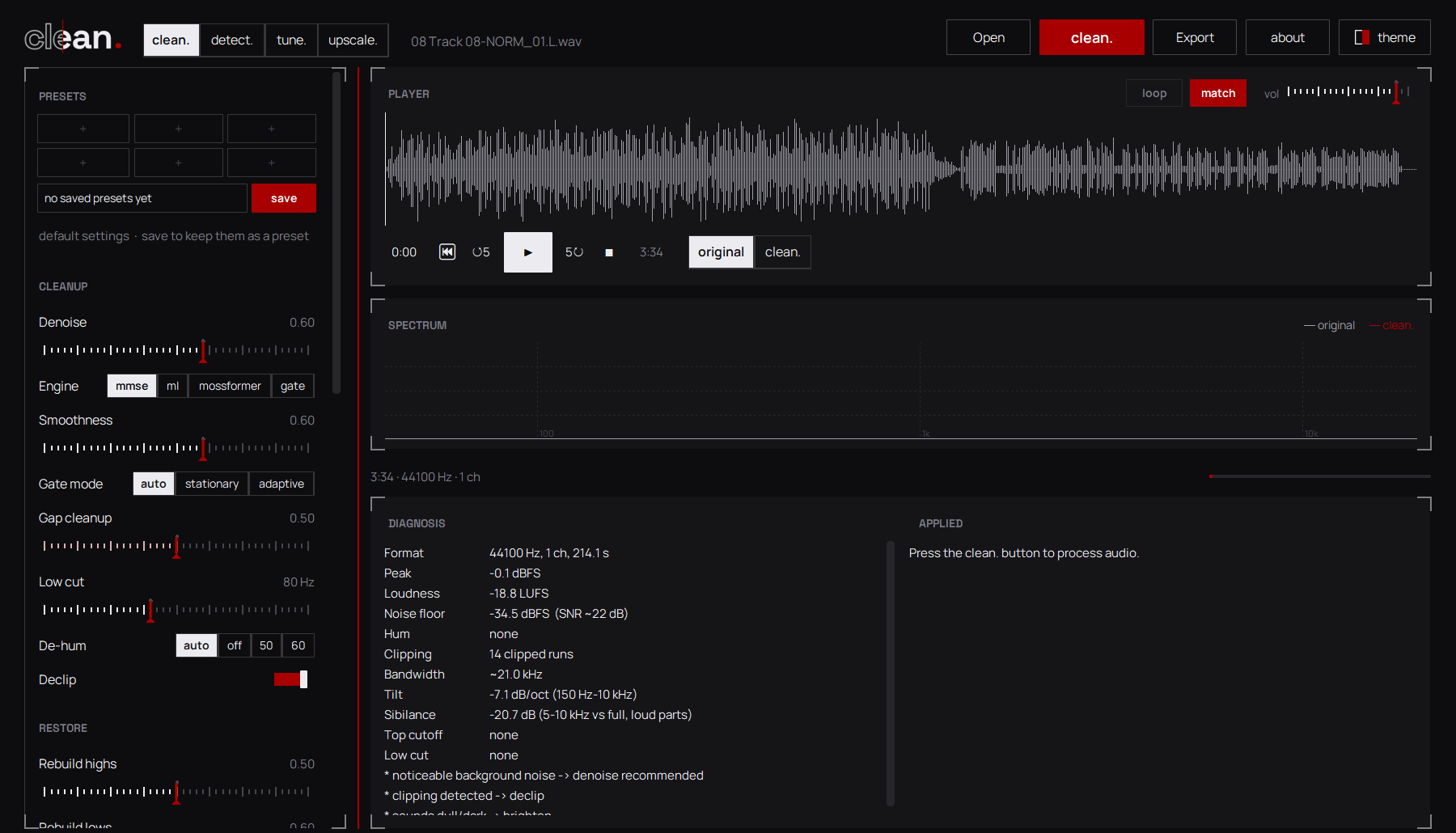
The clean. tab with a vocal loaded: waveform, diagnosis and settings
Four denoisersmmse, gate, DeepFilterNet3 and MossFormer2
Restoresclipped peaks, a cut-off top end, a weak low end
Mastersto your loudness target under a true-peak ceiling
8problems measured before anything changes
4denoisers, from fast to neural on the GPU
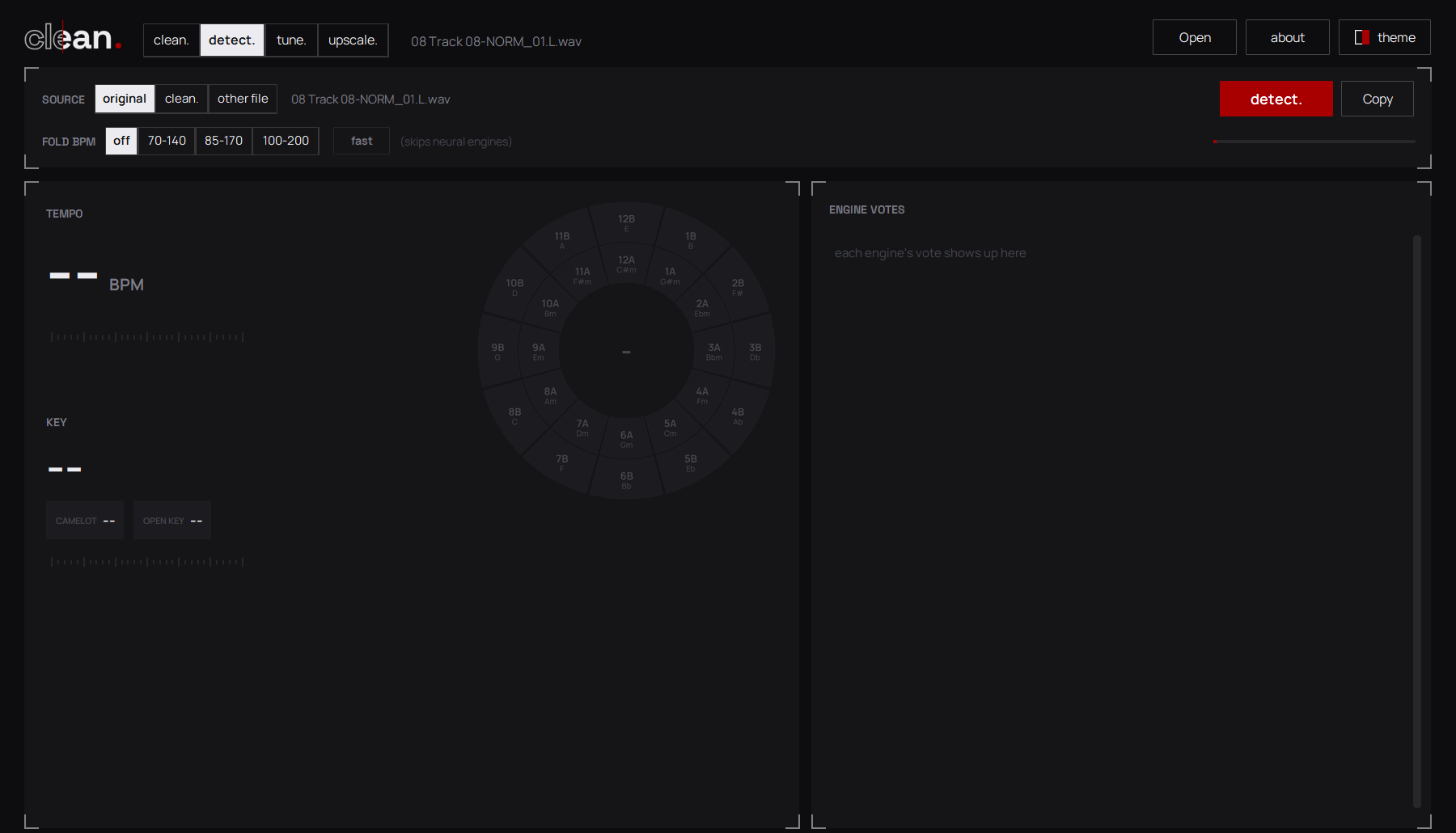
13engines vote on tempo and key in detect.
A/Bgapless original vs clean. at matched loudness

Questions.Anything else? The app explains every setting when you rest the mouse on its name.

Making acapellas and vocal stems sound finished: it removes noise, hum, clicks and bleed, repairs clipping, puts back a top end or low end that a cheap mic or an MP3 took away, then balances and masters the vocal. The detect., tune. and upscale. tabs work on full songs too.

Windows 10 (version 1809 or later) or Windows 11, 64-bit. There is no Mac or Linux version. An NVIDIA graphics card is optional: it only speeds up the MossFormer2 denoiser.

The installer is 12 MB. Setup then downloads what you pick: about 120 MB for clean. on its own, up to about 3.2 GB with every engine on the GPU (most of that is PyTorch with CUDA). On disk that's roughly 0.5 GB up to about 6 GB. Setup shows the estimate as you tick.

mmse is fast and follows noise that changes over time. ml (DeepFilterNet3) also reduces bleed and some reverb. mossformer (MossFormer2) is the strongest on noise and bleed and runs best on an NVIDIA GPU. gate is a classic spectral gate for steady hiss or hum. Try them A/B: the player compares at matched loudness.

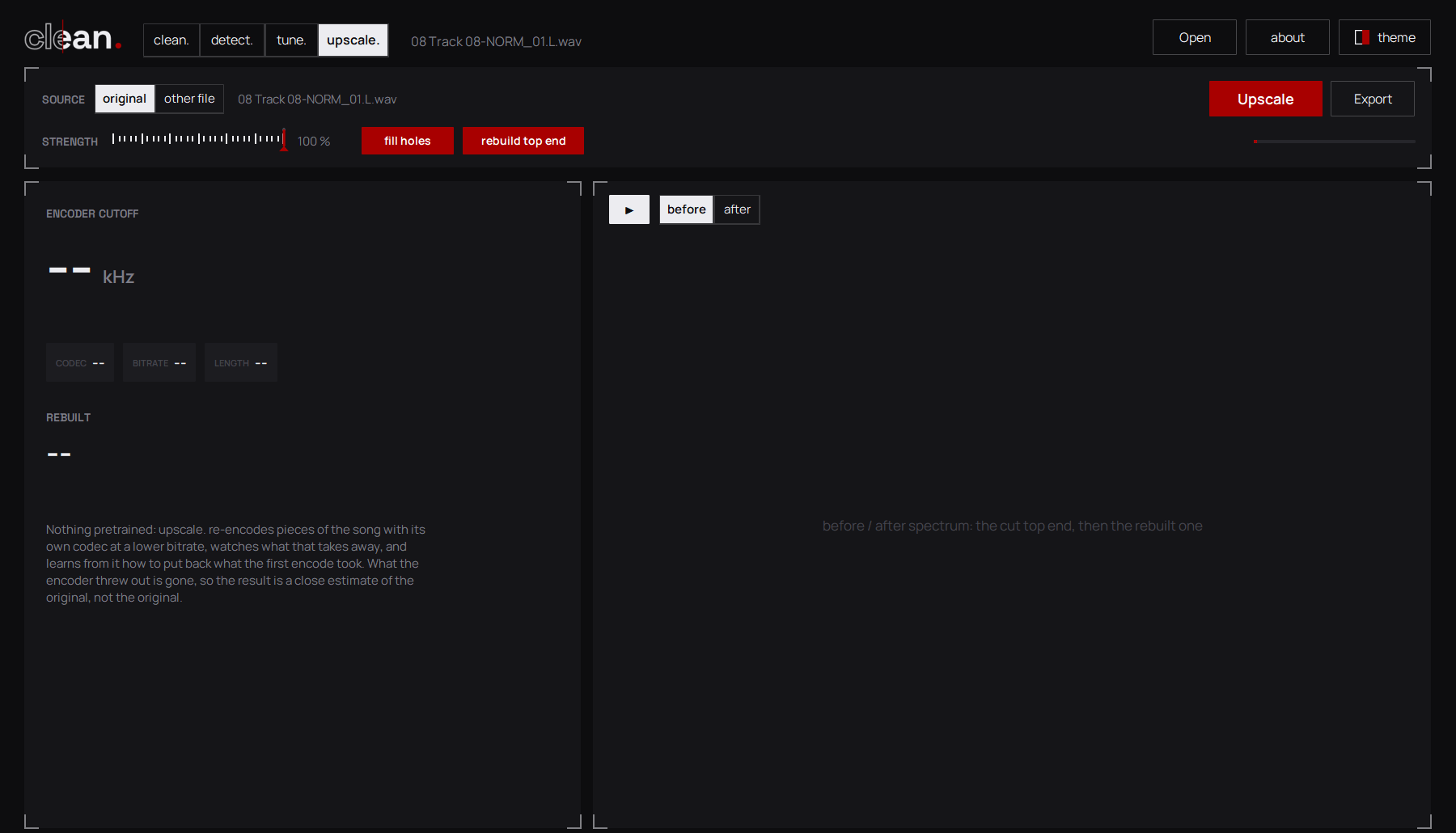
WAV, FLAC, OGG and AIFF work out of the box, and you can save WAV or FLAC. MP3, M4A/AAC, Opus, WMA and the sound of video files, plus saving MP3, need FFmpeg installed and on your PATH; upscale.'s hole filling uses it too.

Only to install and update: setup downloads Python and the engines straight from their original sources. After that everything runs on your PC, and your audio never leaves it.

Yes. The installer isn't code-signed, so SmartScreen warns about it. If you downloaded it from this site, click More info, then Run anyway. Setup installs for your user only and never asks for admin rights.

Download the newer setup and run it. It finds your install and updates it in place, keeping your engines, settings and presets, and only downloads what changed. If clean. is open, setup closes it first.

In %APPDATA%\clean. Updates leave them alone, and so does uninstalling, so they're still there if you install again.

Check your internet connection, then open the Start menu, find clean. tools and run Repair clean. It re-checks everything and downloads only what's missing. Details are in install.log in the install folder.

From Windows Settings → Apps, or Start menu → clean. tools → Uninstall clean. It removes everything setup created, including its private Python and the models, and keeps your presets.

Ready when your vocal is.

Download clean. for Windows ↓

v1.25.0 · 12 MB · Windows 10/11 64-bit · no admin needed